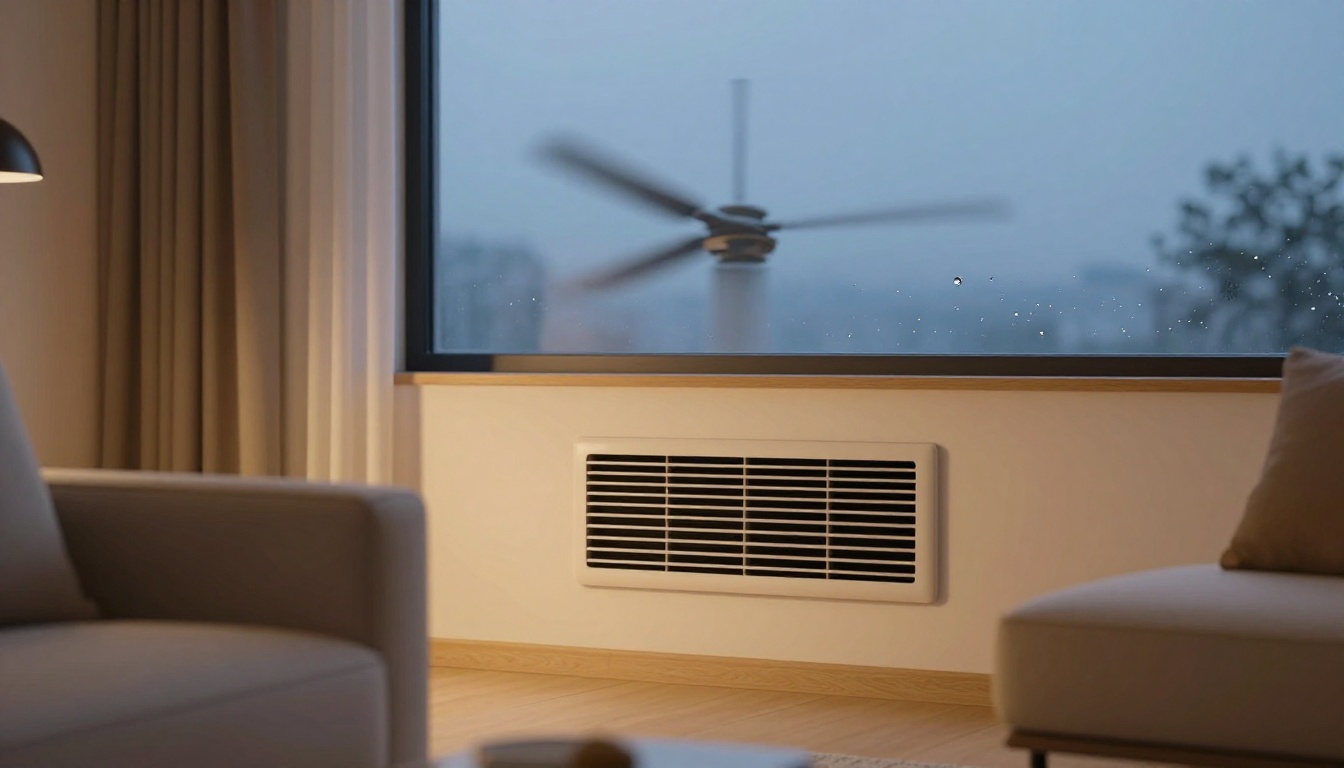
Picture this: it’s a sticky summer evening. Your AC hums along, but your home still feels muggy. Clammy sheets and that heavy air make sleep tough. You’ve got the thermostat set right, so what’s wrong?
The culprit often hides in your fan setting. Auto fan runs only during cooling cycles. On fan blows constantly. These choices change how well your system pulls moisture from the air. Pick wrong, and you waste energy or fight humidity harder.
This post breaks it down. You’ll see how each works, spot the differences, and get tips to choose best for your home. Simple changes mean drier air and lower bills. Let’s start with auto mode.
How the ‘Auto’ Fan Setting Pulls Humidity from Your Air
Auto fan pairs with your AC’s cooling cycle. The compressor and fan start together. Cold air passes over the evaporator coil. Moisture condenses on it, like dew on a chilled glass. That water drains away.
When the thermostat hits the target, both stop. The coil stays cold a bit longer. It keeps grabbing humidity without the fan stirring things up. Think of a sponge soaking up water, then squeezing it out undisturbed.
Families in humid spots notice the shift fast. One couple said their bedroom felt crisp after switching to auto. No more waking up sweaty.
The Simple Cycle That Maximizes Moisture Removal
Here’s one full auto cycle. Your thermostat senses heat and calls for cool air. Compressor fires up; fan blows room air over the cold coil. Humidity condenses and drips off.
They reach the set temp, so both shut down together. No fan means no warm air rushing over the wet coil. Moisture stays put and drains. In contrast, constant fan might blow it back into your rooms.
Picture a cold soda can sweating in still air. It drips steadily. Fan it, and droplets fly off wetter.
Top Benefits for Drier, More Comfortable Indoor Air
Auto shines at dehumidification. It removes 20 to 30 percent more moisture than constant fan in tests. Your air feels drier faster.
Shorter run times save energy. The system works less overall. Plus, less humidity cuts mold risk. You breathe easier and sleep better without clammy skin.
Bills drop too. In muggy areas, auto keeps things efficient.
Watch Out for These Auto Mode Drawbacks
Auto isn’t perfect. Fan pauses mean less constant air mixing. Temps might swing a few degrees room to room.
Still, it runs quieter overall. Short cycles can stress old units, but regular maintenance fixes that. Clean coils yearly to avoid freezing in cool weather. Balance the upsides with simple checks.
What Happens with the ‘On’ Fan Setting and Humidity
On fan keeps blowing all the time. Compressor cycles as needed, but air circulates non-stop. It mixes rooms well and pushes air through filters.
After a cooling cycle ends, though, warm room air hits the moist coil. Some condensed water evaporates back in. Humidity can creep up 5 to 10 percent. Like a fan drying a wet sponge too soon; it releases moisture.
On works for even temps. Allergies improve with steady filtering. But on humid days, it fights your AC’s efforts.
Why Constant Airflow Can Actually Raise Humidity
Post-cycle, the coil warms slowly. Fan blows humid room air over it. Water vaporizes and joins the breeze. Your home gets damper.
Common HVAC advice fits this. On suits dry areas better. In steamy spots, it adds moisture, like wind drying a damp towel indoors.
Best Times to Switch Your Fan to ‘On’
Use on in low-humidity seasons. Spring and fall need air mixing without extra moisture.
Allergy time calls for it too. Filters trap pollen constantly. Pair with a smart thermostat; it switches modes automatically.
Fan power adds 5 to 10 percent to AC costs. Run it wisely.
Auto vs. On: Pick the Winner for Your Home’s Humidity Battle
Auto beats on for humidity control. It wrings out more water efficiently. On evens temps but uses more power.
Climate matters most. Humid regions favor auto. Energy savings add up there.
Test it yourself. Run auto one day, on the next. Use a $20 humidity meter. Feel the difference.
| Aspect | Auto Fan | On Fan |
|---|---|---|
| Humidity Control | Excellent; max moisture removal | Fair; some re-evaporation |
| Energy Use | Lower; shorter runs | Higher; constant fan power |
| Temperature | Some swings from fan pauses | Even throughout home |
| Best For | Muggy summers | Dry climates, allergies |
This table shows the trade-offs clearly. Auto saves on bills; on smooths comfort.
Head-to-Head Breakdown of Humidity, Energy, and Comfort
Auto pulls ahead on dryness and costs. Shorter cycles mean less work.
On wins evenness. No hot spots. Choose based on your biggest need.
Your Home’s Unique Needs: Climate, Setup, and Goals
Live in the humid South? Stick to auto. Dry West? On mixes fine.
Old ACs drain slower on on, so watch puddles. Prioritize dryness for health, or flow for feel?
Smart Tips to Master Fan Settings and Humidity Year-Round
Clean filters monthly. Dirty ones block flow and raise humidity.
Add a dehumidifier in basements if needed. Set a humidistat around 50 percent.
Service your system yearly. Check drains and coils.
Go hybrid: auto in summer, on in milder months. Ceiling fans help too; they let you raise the thermostat.
Quick checklist:
- Monthly filter swap.
- Annual pro tune-up.
- Test modes weekly.
- Monitor with a meter.
Humidity drops, comfort rises.
Auto excels at pulling moisture for drier homes and lower bills. On circulates air evenly when dryness isn’t the fight.
Try both this week. Track your humidity and feel. You’ll save energy and sleep sounder.
What fan setting works in your house? Share below. Subscribe for more AC tips, and check maintenance guides next. Stay cool.