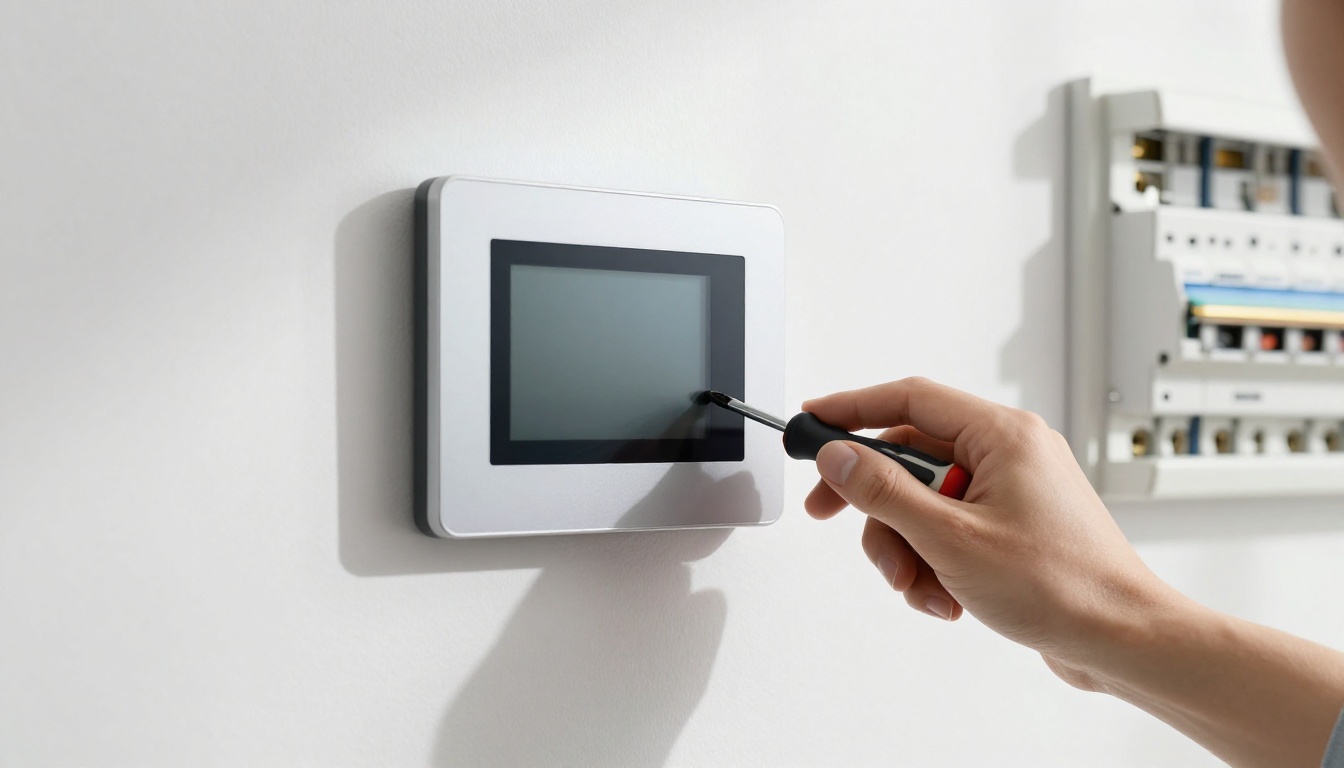
You flip the switch on your wall-mounted controller, and nothing happens. Just a blank screen staring back at you. This issue hits hard in 2026 smart homes, where thermostats, security panels, and HVAC controllers run everything from comfort to safety.
Frustration builds fast when your Nest-like thermostat or Ecobee equivalent goes dark. Maybe it’s a power glitch, loose wire, or software snag. Common culprits include tripped breakers, bad connections, or outdated firmware. You don’t need pro skills to fix most cases.
We’ll walk through steps in order: safety first, power checks, resets, software tweaks, and hardware signs. Grab a screwdriver and your phone. Most fixes take under 30 minutes. Let’s get your screen back on.
Start Safe: Power Off and Gather Your Tools
Safety tops every fix list. Wall-mounted controllers often tie into live wires. One wrong move risks shock or fire.
Turn off power at the breaker first. Locate the panel for your home’s HVAC or security zone. Flip that switch off. Wait five full minutes. This discharges any stored power.
Gather these tools now. A flathead screwdriver pries off covers. A voltage tester confirms no juice flows, if you have one. Your phone handles app checks later. Pull the owner’s manual from the drawer or download it.
Prep saves time and trouble. Check for damage right away. Look for water stains, burn marks, or loose screws. Tighten the mounting plate if it wobbles.
These steps prevent accidents. You focus on fixes instead of emergencies.
Why Safety Checks Come Before Anything Else
Live wires hide behind thin panels. Controllers use 24-volt systems, but mistakes zap you.
Find your breaker box. Label it if needed. Shut down the right circuit. Test by flipping nearby lights.
Wait those five minutes. Capacitors drain slow. Touch nothing metal until then.
Scan the unit. Scorch marks mean heat issues. Water spots signal leaks. Loose screws point to vibrations over time.
Safety clears your path. Now move to power.
Verify Power Supply and Connections
Power problems cause most blank screens. About 80 percent of fixes happen here. Start simple.
Test the outlet or adapter first. Many controllers plug into low-voltage transformers. Others hardwire direct.
Unplug and plug in a lamp. If it lights, the outlet works. No light? Reset the breaker or check fuses.
For hardwired units, peek behind. Remove the faceplate with your screwdriver. Four screws usually hold it.
Inspect wires. Look for the red R-wire for power and common C-wire for return. Tug gently. Loose ones cause blanks.
Tighten terminals. Use pliers if needed, but don’t strip insulation. Refer to your manual for colors.
Power on after each check. Screen lights? You’re done. No luck? Keep going.
This section delivers quick wins. Patience pays off.

Test the Outlet and Power Adapter
Grab a known-good device like a phone charger. Plug it in.
Works? Adapter might fail. Swap with a spare 24-volt one if available. Controllers need steady low voltage.
No outlet power? Check the breaker again. GFCI outlets trip easy in damp spots like basements.
Fuses blow from surges. Replace with same amp rating. Test voltage if you can. Zero volts means upstream issue.
Signs scream bad power. No hum from the unit. Other lights off too.
Fix here often revives the screen instantly.
Tighten Wires and Terminals Behind the Panel
Pry the cover slow. Work from the bottom up.
Wires cluster at terminals. R for hot, C for common in thermostats. Others vary by model.
Loose from settling houses. Vibrations shake them free over months.
Push firm into slots. Screw terminals clockwise tight. Avoid over-torquing.
Snap cover back. Restore power. Watch for the screen boot.
Manual shows exact layout. Colors confuse sometimes, so match labels.
Reset Your Controller the Right Way
Power checks fail? Reset clears glitches. Software hangs cause blanks too.
Differentiate cycles. Power cycle refreshes temp. Full reset wipes settings.
Hold the reset button. Most need 10 to 30 seconds. Check your model.
Or pop the unit off base. Leave disconnected one minute. Reattach firm.
Smart ones re-pair via app. Scan QR code usually.
Test the screen. Logo appears? Success.
Resets fix hangs without opening wires. Easy next step.
Power Cycle vs Full Factory Reset
Power cycle suits quick freezes. Flip breaker off 30 seconds. Flip on.
Screen flickers back often. No settings lost.
Factory reset for stubborn cases. Hold button till it beeps or lights flash.
Wait for full reboot. Reconfigure from app. Lose schedules, but gain function.
Brands like newer Nest or Ecobee follow this in 2026. Manuals specify times.
Cycle first always. Escalate if needed.
Handle Software and Compatibility Hiccups
Persistent blanks point to software. Smart controllers update over WiFi.
Open the app. Log in if linked. Check status.
Firmware lags cause blackouts. Manufacturers push fixes monthly.
Compatibility bites too. New HVAC mismatches old panels.
Clear app cache. Restart phone. Reconnect hub if any.
Battery backups fail silent in some. Swap if model has one.
These modern tweaks save new units.
Update Firmware Using the App
Launch the app. Select your device.
Scan updates. Install takes five minutes. Phone stays close.
No connect? Move router nearer. Restart both.
2026 apps add AI diagnostics. They spot issues before blanks.
Update often prevents repeats.
Rule Out Wiring or System Mismatches
Voltage mismatch kills power. Specs say 24VAC usually. Test with meter.
Swap to spare zone if you can. Works there? Wiring fault.
Hub conflicts arise in smart setups. Re-pair step by step.
Narrow it down systematic.
Spot Hardware Failure and Know When to Call Pros
Burnt smells or cracks mean hardware death. No DIY here.
No response after resets screams failure. Board fried likely.
Stop if warranty covers. Contact support first. Free swap possible.
Pro electricians handle wiring. Costs run $100 to $300.
Prevent with surge protectors. Dust off vents yearly.
Know limits saves cash.
Wrap Up Your Controller Fix
You started with safety and power. Resets and software followed. Hardware flags when to quit.
Most blanks stem from simple slips. Try steps in order.
- Power off safe first.
- Check outlets and wires.
- Reset smart.
- Update apps.
- Call pros for breaks.
Share below: What fixed your blank screen? Subscribe for more home tech tips.
Your controller hums again soon. Comfort returns quick.